
可用Combat
client sided moderator perms
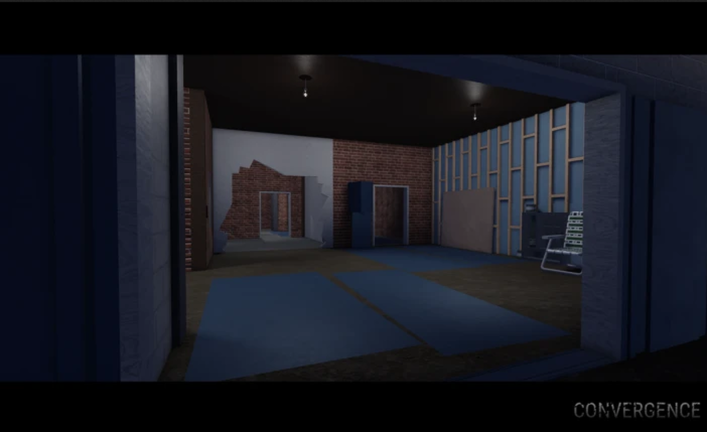
腳本程式碼
Lua
local Ply = game:GetService("Players");
local Lp = Ply.LocalPlayer;
local Rep = game:GetService("ReplicatedStorage");
local Auth = require(Rep.Shared.AuthorizedUsers);
Auth.add(Lp.UserId);
Lp:SetAttribute("IsWhitelistedAdmin", true);
Lp:SetAttribute("AdminHierarchyLevel", 999);
Lp:SetAttribute("CustomRank", "Admin");
Lp:SetAttribute("AdminRankName", "Admin");
local function find()
	local gc = getgc(true);
	for _, obj in ipairs(gc) do
		if ((type(obj) == "table") and (rawget(obj, "authorized") ~= nil) and (rawget(obj, "queueStarted") ~= nil)) then
			return obj;
		end
	end
	return nil;
end
local state = find();
if state then
	state.authorized = true;
	state.queueStarted = true;
end
描述
execute it, and the game sees you as a admin, M to open admin panel, K to toggle mod esp, YOU CAN NOT BAN OR KICK PEOPLE IT IS CLIENT SIDED
評論 (0)
- 成為第一個評論的人。
常見問題
- 如何使用 client sided moderator perms 腳本?
- 複製上方的腳本代碼,在 Roblox 中進入 Convergence,然後將代碼貼到你的執行器中並執行。腳本運行後功能會立即生效。
- client sided moderator perms 還能用嗎?
- 可以 — client sided moderator perms 目前標記為可用(最近更新:2026年10月12日)。如果在 Roblox 更新後失效,請稍後回來查看修復版本。
- 哪個執行器相容 client sided moderator perms?
- 此腳本相容大多數熱門 Roblox 執行器。查看我們的執行器頁面,為你的裝置找到可信的免費或付費執行器。






