
可用
mspaint | 12 Games Supported | Paid and Free
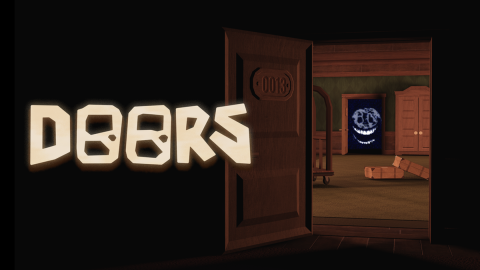
脚本代码
Lua
Join the discord server after doing the key system
https://www.mspaint.cc/key
--free key system for the free version
script_key="add key here"
loadstring(game:HttpGet("https://api.luarmor.net/files/v3/loaders/002c19202c9946e6047b0c6e0ad51f84.lua"))()
描述
To be able to use mspaint, you need to get a key. You can get the key from the Key System or by purchasing a Premium Key: Key System (certain features are locked) Premium Key (skips the entire key system, every feature is unlocked)
评论 (0)
- 成为第一个评论的人。
常见问题
- 如何使用 mspaint | 12 Games Supported | Paid and Free 脚本?
- 复制上方的脚本代码,打开你的 Roblox 执行器,粘贴代码,然后在游戏中点击执行。脚本运行后功能会立即激活。
- mspaint | 12 Games Supported | Paid and Free 脚本免费吗?
- 是的。此脚本免费复制和使用。如果使用密钥系统,请通过「获取密钥」链接免费解锁。
- 使用 mspaint | 12 Games Supported | Paid and Free 脚本安全吗?
- 完整源代码显示在此页面上,让你在运行前准确了解其功能。请始终使用可信的执行器,并记住使用脚本违反 Roblox 服务条款,风险自负。
- 哪个执行器兼容 mspaint | 12 Games Supported | Paid and Free?
- 此脚本兼容大多数热门 Roblox 执行器。查看我们的执行器页面,为你的设备找到可信的免费或付费执行器。