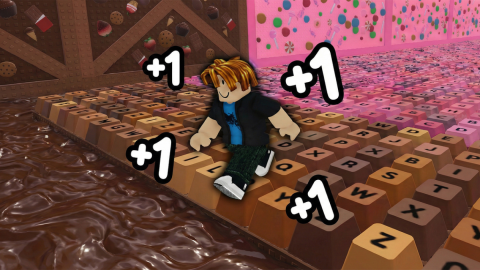
WorkingCombat
ORVA | AUTO FARM WORLD 1 & 2
Script Code
Lua
loadstring(game:HttpGet("https://raw.githubusercontent.com/OrvaEvncp/Orva/refs/heads/main/Speed_Keyboard.lua"))()Description
🍫 WORLD 1 + WORLD 2 🍫 ⚠️ Use “Delete Obstacles” before enabling Auto Walk ⚠️ Features: 🌍 Select World ✨ Auto Walk 🎯 Target Win Block 🚧 Delete Obstacles 🏃 Smooth Walk Speed ⏱️ Delay Between Runs 👤 Show Player Names 📏 Show Distance 👁️ Player ESP 🎨 ESP Color Customization 🕒 Session Time Tracker 🏆 Wins Earned (Session) 📈 Wins Per Minute Tracker
Comments (0)
Log in to join the conversation
- Be the first to comment.
Frequently asked questions
- How do I use the ORVA | AUTO FARM WORLD 1 & 2 script?
- Copy the script code above, join +1 Speed Keyboard Escape | Candy & Chocolate on Roblox, then paste and execute the code in your executor. The features activate as soon as the script runs.
- Is ORVA | AUTO FARM WORLD 1 & 2 still working?
- Yes — ORVA | AUTO FARM WORLD 1 & 2 is currently marked as working (last updated Sep 26, 2026). If it breaks after a Roblox update, check back soon for a refreshed version.
- Which executor works with ORVA | AUTO FARM WORLD 1 & 2?
- This script works with most popular Roblox executors. Check our executors page to find a trusted free or paid executor for your device.