
작동 중Combat
client sided moderator perms
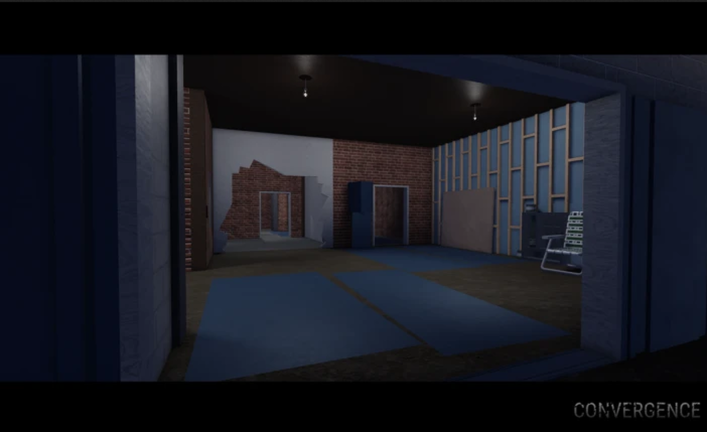
스크립트 코드
Lua
local Ply = game:GetService("Players");
local Lp = Ply.LocalPlayer;
local Rep = game:GetService("ReplicatedStorage");
local Auth = require(Rep.Shared.AuthorizedUsers);
Auth.add(Lp.UserId);
Lp:SetAttribute("IsWhitelistedAdmin", true);
Lp:SetAttribute("AdminHierarchyLevel", 999);
Lp:SetAttribute("CustomRank", "Admin");
Lp:SetAttribute("AdminRankName", "Admin");
local function find()
	local gc = getgc(true);
	for _, obj in ipairs(gc) do
		if ((type(obj) == "table") and (rawget(obj, "authorized") ~= nil) and (rawget(obj, "queueStarted") ~= nil)) then
			return obj;
		end
	end
	return nil;
end
local state = find();
if state then
	state.authorized = true;
	state.queueStarted = true;
end
설명
execute it, and the game sees you as a admin, M to open admin panel, K to toggle mod esp, YOU CAN NOT BAN OR KICK PEOPLE IT IS CLIENT SIDED
댓글 (0)
- 첫 댓글을 작성하세요.
자주 묻는 질문
- client sided moderator perms 스크립트는 어떻게 사용하나요?
- 위의 스크립트 코드를 복사하고 Roblox에서 Convergence에 접속한 뒤, 익스큐터에 붙여넣고 실행하세요. 스크립트가 실행되면 기능이 바로 활성화됩니다.
- client sided moderator perms은(는) 아직 작동하나요?
- 네 — client sided moderator perms은(는) 현재 작동 중으로 표시되어 있습니다(마지막 업데이트: 2026년 10월 12일). Roblox 업데이트 후 작동하지 않으면 새 버전을 기다려 주세요.
- client sided moderator perms에 호환되는 엑시큐터는?
- 이 스크립트는 대부분의 인기 Roblox 엑시큐터에서 작동합니다. 기기에 맞는 신뢰할 수 있는 무료 또는 유료 엑시큐터를 찾으려면 엑시큐터 페이지를 확인하세요.






